
Jump to:
No content available.
Welcome!
This manual helps you to optimize the usage of the DECT telephone in combination with the PBX. Please use this manual at initial operation. Some features differ from the features described in the manufacturer's documentation.
We wish you success and joy in working with your new DECT telephone and this manual!
Subject to alterations
Version 1 / 05.2016 (EN)
| Type | Icon/Character | Description |
| NOTE
CAUTION
WARNING |  | NOTE: Information that is useful but not critical to the reader.
CAUTION: Tells the reader to proceed with caution.
WARNING: Stronger than CAUTION; means "don't do this" or that this step could be irreversible, e.g., result in permanent data loss. |
| TIP |
| Useful tips that provide additional information. |
| Procedure | 1. 2. 3. | Procedures are numbered steps to perform an action, where the order of the steps is relevant. |
| Result of procedure/action | ⇒ | Indicates the result of an action//procedure. |
| Lists | • • | Used for listings and items where the order of steps is irrelevant. |

No content available.
In order to use this IP telephone with your telephone system you will need a sound broadband connection.
Important notes
You should have at least the firmware version 22.24 in order to be use the Panasonic DECT solution with the telephone system (auto provisioning). In case you should have a DECT basis station that has an older firmware, that firmware will need to be updated manually. You will find more information on how to update the firmware manually in chapter Firmware Update of the Panasonic Administrator Guide of the manufacturer. New products purchased from NFON is equipped with the latest firmware and does not require any updates. In order to see the currently installed firmware on your DECT basis station, click on basic settings in the menu of your handset and proceed by clicking on software version.
You can register up to 6 handsets (Panasonic KX-TPA50) to one basis station (Panasonic KX-TGP500).
You can conduct 3 parallel calls per basis station in total.
Neither the extension name nor the extension number will be shown on the display of the handset. The port number will be displayed. It shows you the number of the port that the handset is registered with on the basis station.
You can give the handset a name in order to distinguish it from other handsets. To do this clock on the menu of your handset, then go to basic settings and click on name handset.
You have no access to the main phonebook of the telephone system. You have yet the possibility to create a local phonebook on your handset.
The handsets do not have a XML menu.
The default language of the handset is English. To change the language to German, click on Menu > Initial settings > Select language > Deutsch.
For the moment, it is not possible to deactivate the feature Call waiting indication.
Panasonic has different hardware- and firmware combinations for each region. Overview:
| Region | Modell | Firmware |
| Europa without UK | KX-TGP500B01 KX-TGP550T01 | 22.xx |
| UK / Asia | KX-TGP500B02 KX-TGP550T02 | 22.xx |
| USA / Kanada | KX-TGP500B04 KX-TGP550T04 | 12.xx |
| Oceania | KX-TGP500B08 KX-TGP550T08 | 22.xx |
| Russia / Ukraine | KX-TGP500B04 | 22.xx |
No content available.
Before you begin using your new Panasonic DECT system, we would like to provide you with a brief overview of the steps required for installation.
Add DECT base (KX-TGP500) on the administration portal.
Add DECT mobile handsets (KX-TPA50) on the administration portal.
Add extension for DECT mobile handset on the administration portal and assign the respective mobile handset.
Register mobile handsets to base.
Done!
Detailed description of the individual steps are on the administration portal.
During the final step, you must register the mobile handset to the base. This is done using the menu of your Panasonic mobile handset.
To do so, open the main menu of your mobile handset.
 (Joystick)
Then select menu item “Initial Settings”.
Next, select “Registration”.
Now select “Register mobile handset”.
Alternatively, instead of steps 1 to 4 you may also proceed as follows:
Press the menu key  (Joystick)


 .
.
5. On the DECT base press and hold  for approx. 4 seconds, then “OK” on the mobile handset.
The mobile handset now scans for the DECT base.

6. As the final step, you now need to enter the required access code. It is: “0000”.
Your Panasonic DECT mobile handset is now registered to the base.
Deleting registration of a mobile handset
A mobile handset may delete its own registration stored in the base (or the registration for another mobile handset). This disconnects the mobile handset’s wireless connection to the system.
1. Press the menu key on your mobile handset (Joystick) .
2. Enter the indicated code and OK to confirm. 

3.  /
/  : Select the desired device and then confirm with OK.
4. / : Select “Yes” and confirm with OK.
When deleting a mobile handset other than the one you are using, press
 to end. If you no longer wish to use the mobile handset, please remember to also remove it from the service site.
 to end. If you no longer wish to use the mobile handset, please remember to also remove it from the service site.
No content available.
No content available.
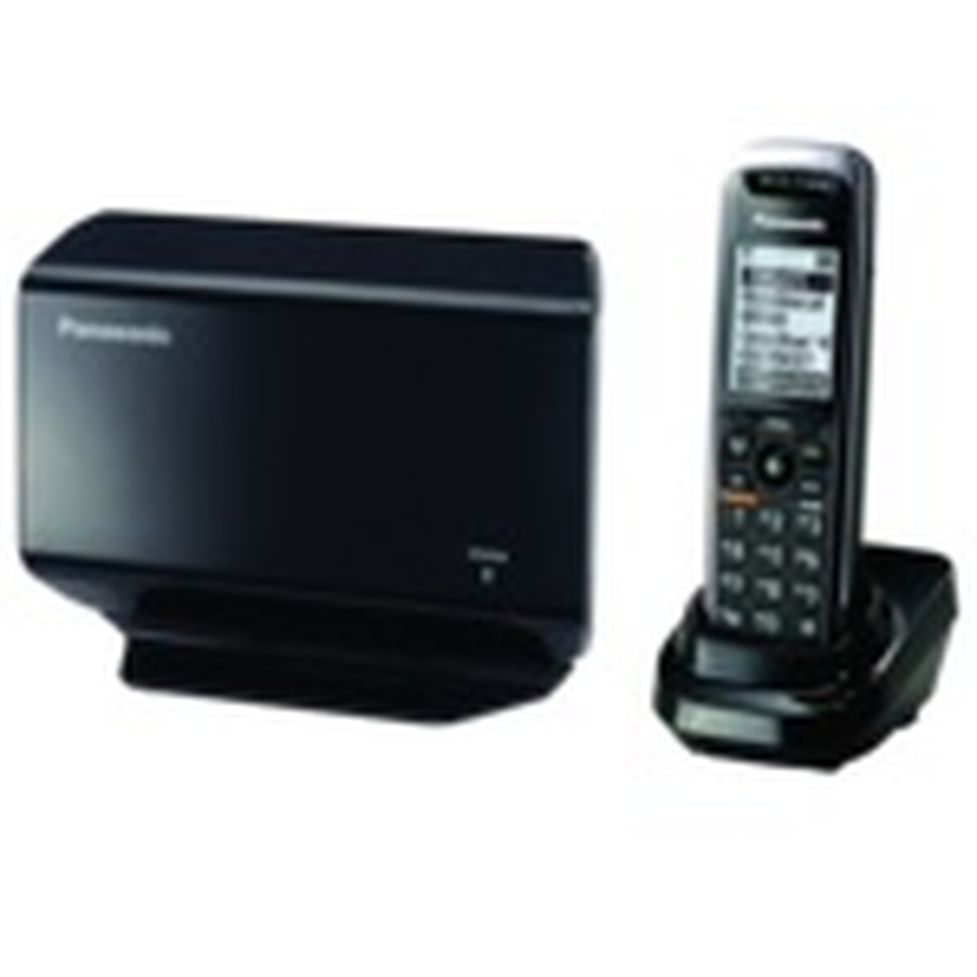
Panasonic DECT mobile handset (KX-TPA50):



Panasonic DECT-Basis (KX-TGP500):


Mobile handset
Placing calls with the mobile handset
Pick up the handset and dial the telephone number.
To correct a digit, press
 .
.Press
 or
or  .
.To end the call, press
 or return the mobile handset to the charger.
 .
. or
or  or return the mobile handset to the charger.
Using the hands-free feature
Dial the telephone number and press
 .
.To end the call, press
.
 .
.To return to using the receiver, press  .
.
Adjusting the receiver or speaker volume
Repeatedly press the joystick up or down during the call.
Placing a call using the redial list
The redial list stores the last 10 numbers dialed (max. 32 digits each).
Press
 .
.Select the desired telephone number.
 /
/  When pressing and the other party’s line is busy, the device automatically redials the number several times. While the mobile handset is waiting for redial, the ringer indicator flashes. To cancel, press .
 .
.Answering calls with the mobile handset
When a call is coming in, the mobile handset’s ringer indicator flashes rapidly.
Remove the mobile handset from the charger and press
, or , when the device is ringing.To end the call press
or return the mobile handset to the charger.
Adjusting the ringer volume on the mobile handset
With the mobile handset ringing for an incoming call:
Repeatedly press the joystick up or down to select the desired volume.
Programming the volume in advance:
- (Joystick)


 / : Select the desired volume.

Missed calls are indicated on the mobile handset display (“Missed Calls”).
To access the missed calls list, press the softkey  .
.
You can then page through missed calls using  /
/  .
.
Press
 during an external call. The active call is now placed on “Hold”
To cancel holding the call, press
or .
 during an external call. The active call is now placed on “Hold”
You are taking a call. The call waiting tone indicates a second call is incoming. Simultaneously, a line icon flashes at the top of the display and the display also shows the telephone number or, for internal calls, the name of the extension.
Press
 to accept the call waiting.
Using the
you can now switch between the two calls.To end a call, simply press
during the active call.
 to accept the call waiting.
The other call is now on “Hold”.
Press
, to return to the call on hold.
Toggle refers to switching between 2 different telephone calls. Toggling places one of the parties on hold and plays hold music while you are speaking to the other party.
Your Panasonic mobile handset allows you to make a 3-way call.
Call the 1st party.
Once you have reached the 1st party, press the menu key
(Joystick), and select “4=Conference”. You can alternatively press the number “4” on your keypad. The active call is now placed on “hold”.Then call the 2nd party and wait until you have reached the 2nd party.
Press the softkey
 to activate the 3-way call. The display now indicates Conference.
 to activate the 3-way call. The display now indicates Conference.
A conference call with more than 3 parties can easily be set up on the administration portal: Please refer to the Administration portal.
During an active call, press the menu key. (Joystick)
Now, select “2=Send”. You can alternatively press the number “2” on your keypad. The active call is now placed on “hold”.
Now, dial the party to whom you would like to transfer the call. To do so, enter the party’s telephone number and press .
Wait for the other party to answer, then announce the call. This step can also be omitted, if necessary.
Press the softkey  .
.
During an active call, press the menu key. (Joystick)
Now select “3=Send blind”. You can alternatively press the number “3” on your keypad. The active call is now placed on “hold”.
Now, dial the party to whom you would like to transfer the call without making an enquiry.
Press the softkey .
No content available.
When accessing the voice menu of your voicemail system for the first time, you should also set up your personal answering system.
Please refer to the voicemail leaflet for detailed information.
Press *793 on the Panasonic mobile handset to access the voice menu of the voicemail system.
Then select “0 Mailbox Options” to set up your voice mailbox.
Now press “1” to record a message in the event you are unavailable.
Now record your message and press “#” to end the recording.
Press “1” to accept the recording, “2” to replay the recording, and “3” to rerecord.
Use the administration portal to record custom voicemail announcements for each extension. However, the formats must be in .mp3 or .wav format.
Dial *793 from the Panasonic mobile handset.
Dial the direct dial/extension assigned on the service site for accessing voicemail.
You can also store a local voicemail phone book entry on your Panasonic DECT mobile handset. Simply dial the telephone number *793. By calling this phone book entry in the future, you always directly access the voicemail for your extension.
You can also have your VoiceMail messages emailed to you, which is configured at the administration portal. Please refer to the Administration Portal Manual.
Where can you get help?
You can use various sources for help concerning your issues. Please use them in the order suggested here:
On voip-centrex.dfn.de you will find an overview of all documentation, downloads and portals as well as help pages and further information. | |||||||||
The home page of the service site contains various links to manuals, brief instructions, software downloads and templates. Please read these manuals thoroughly. They help you get the most out of your telephone system. | |||||||||
Support hotline for existing customers | Incident report for DFN customers:
| ||||||||
| Important information for the Service Desk
| ||||||||
Support hotline for test customers | As a test customer, the detailed information is available under https://voip-centrex.dfn.de/index.php?id=26621. |